
Downloads courses, Instagram, X, Pinterest, Bilibili, Telegram, torrents, and 1,800+ sites via yt-dlp.
How it works
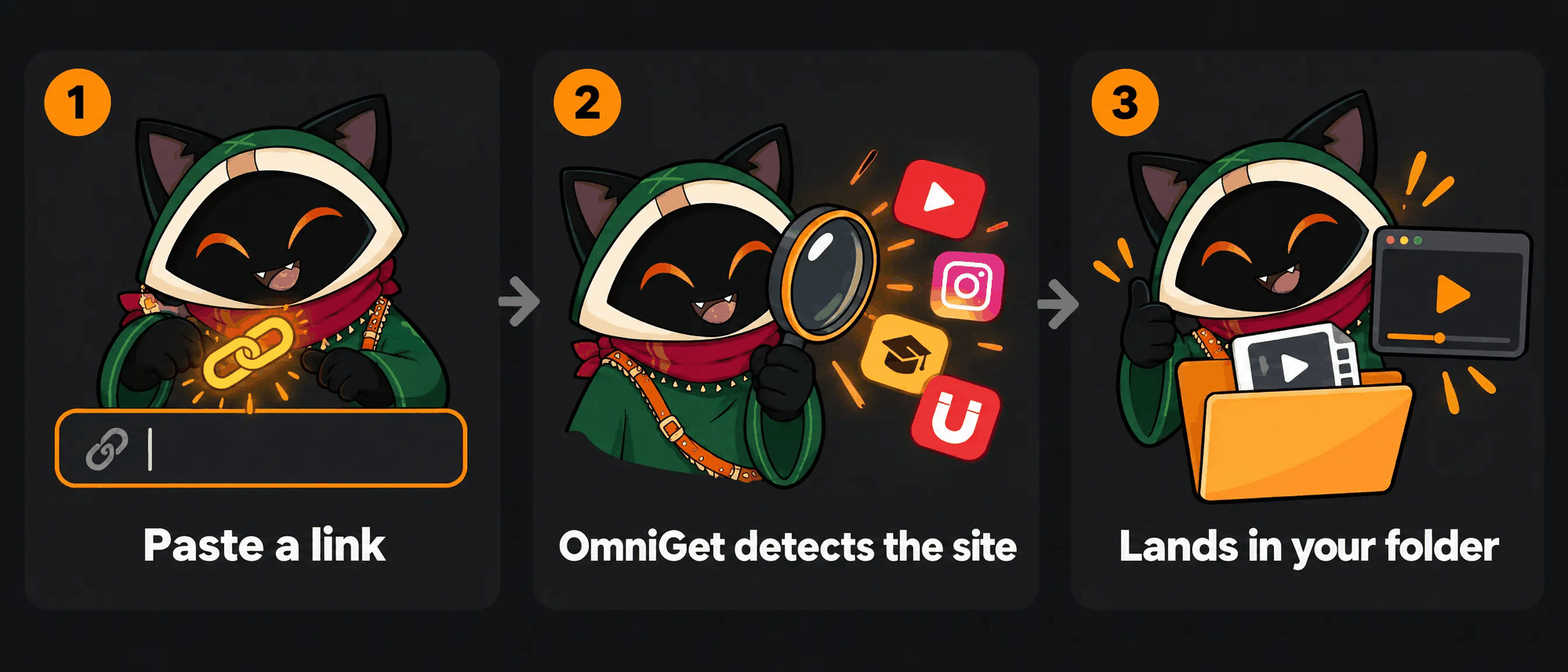
Paste any supported link. OmniGet detects the source, picks the extractor, and manages the download.
-
Paste linkVideo, course, post, magnet link, or .torrent file.
-
Auto-detectRoutes to native extractors or yt-dlp automatically.
-
Download & openSaved to your folder and ready in the built-in player.
Download settings and queue control
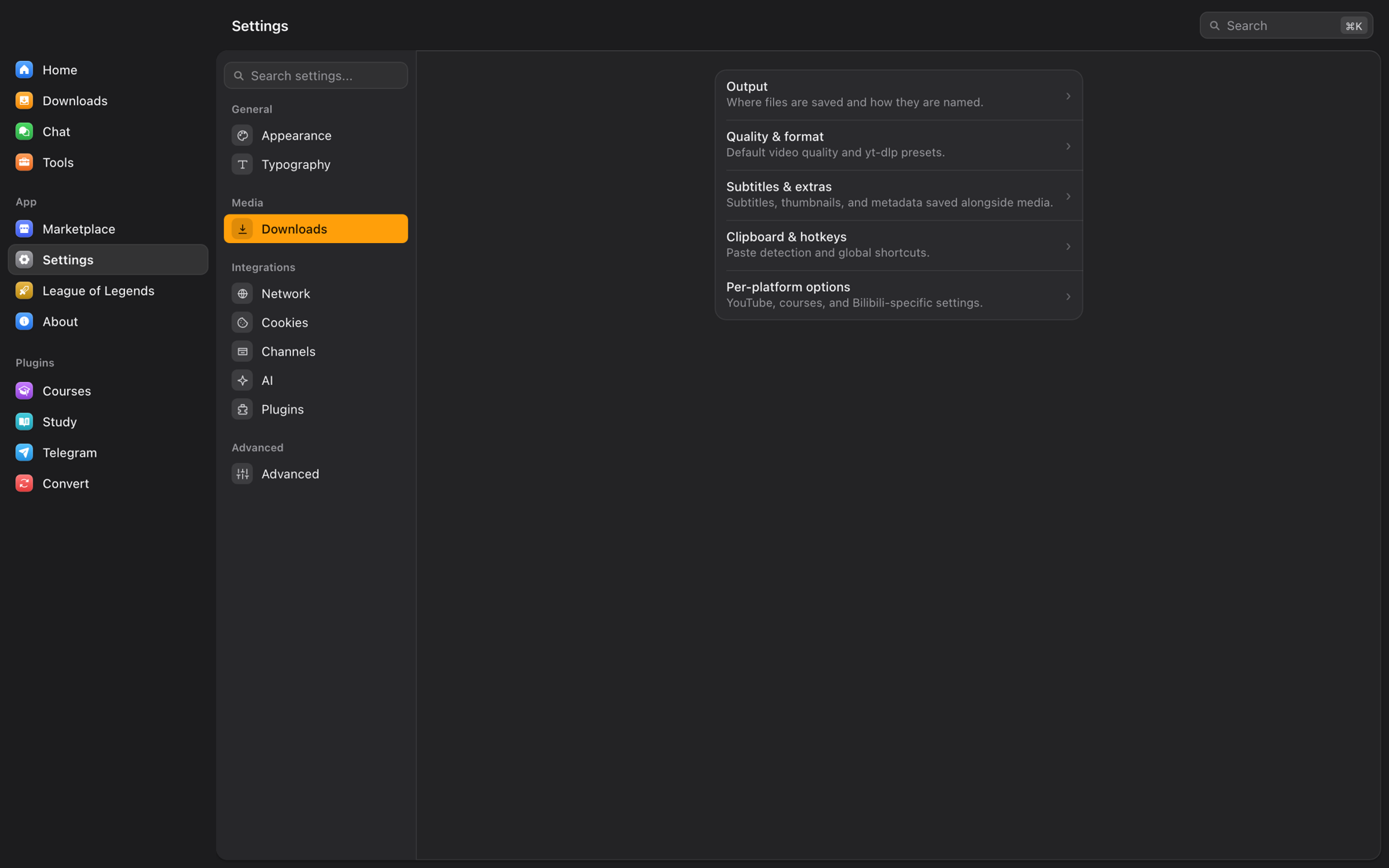
Configure output naming, quality presets, subtitles, connection limits, and browser cookies.
156 tools across 24 categories
Built-in offline tools for media conversion, document processing, and platform utilities. Everything runs locally on your machine.
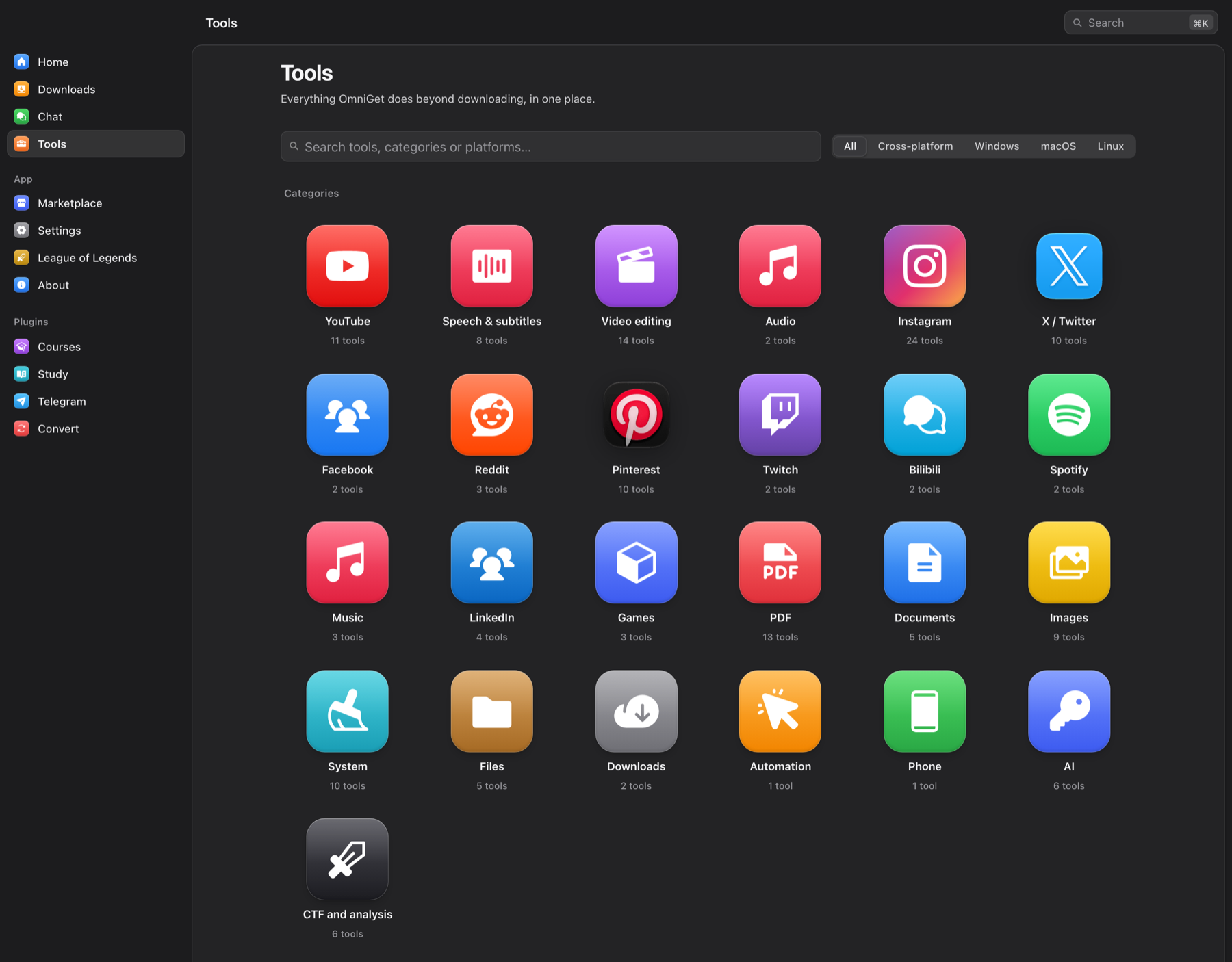 Tools hub (24 categories)
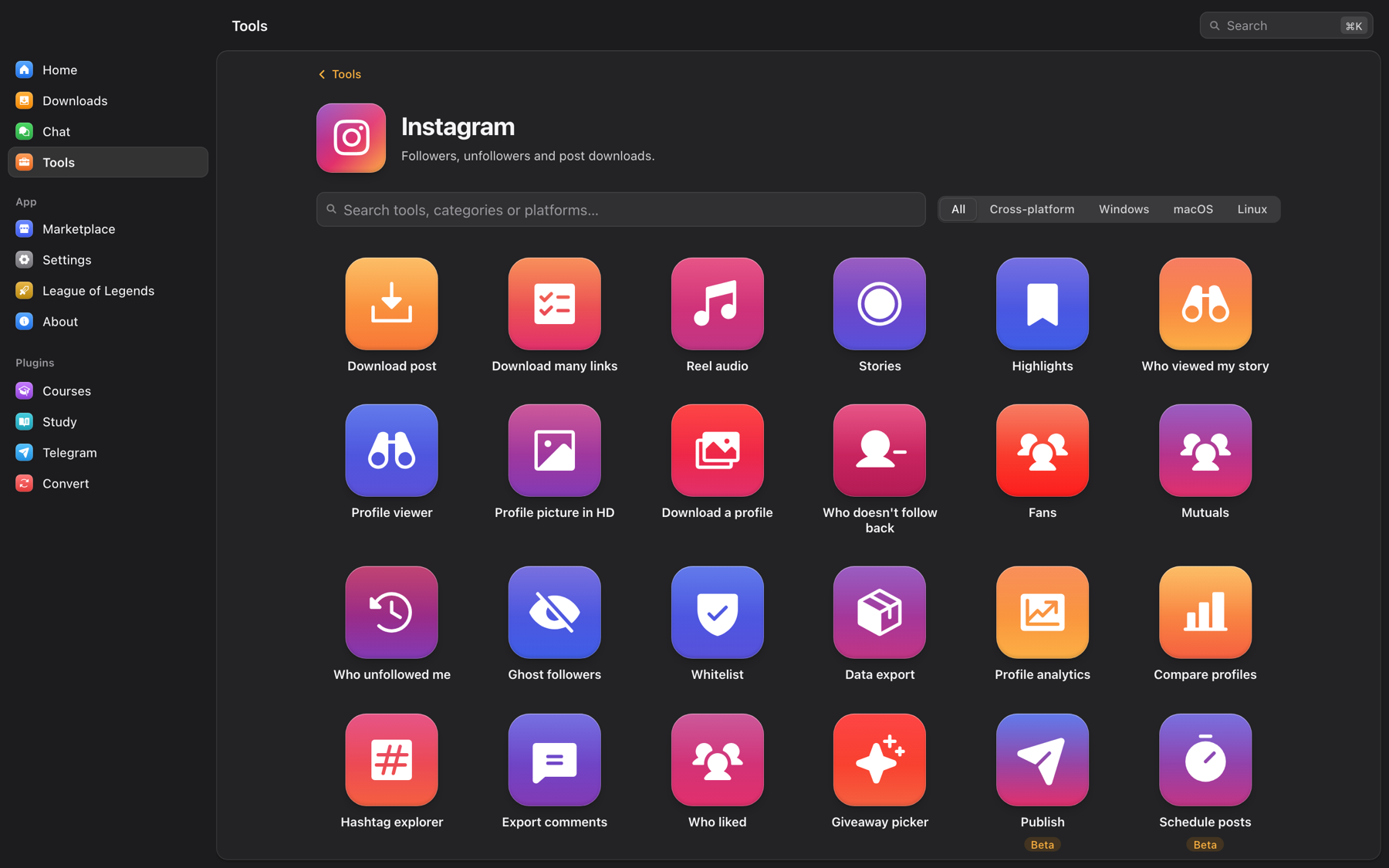 Instagram (24 tools)
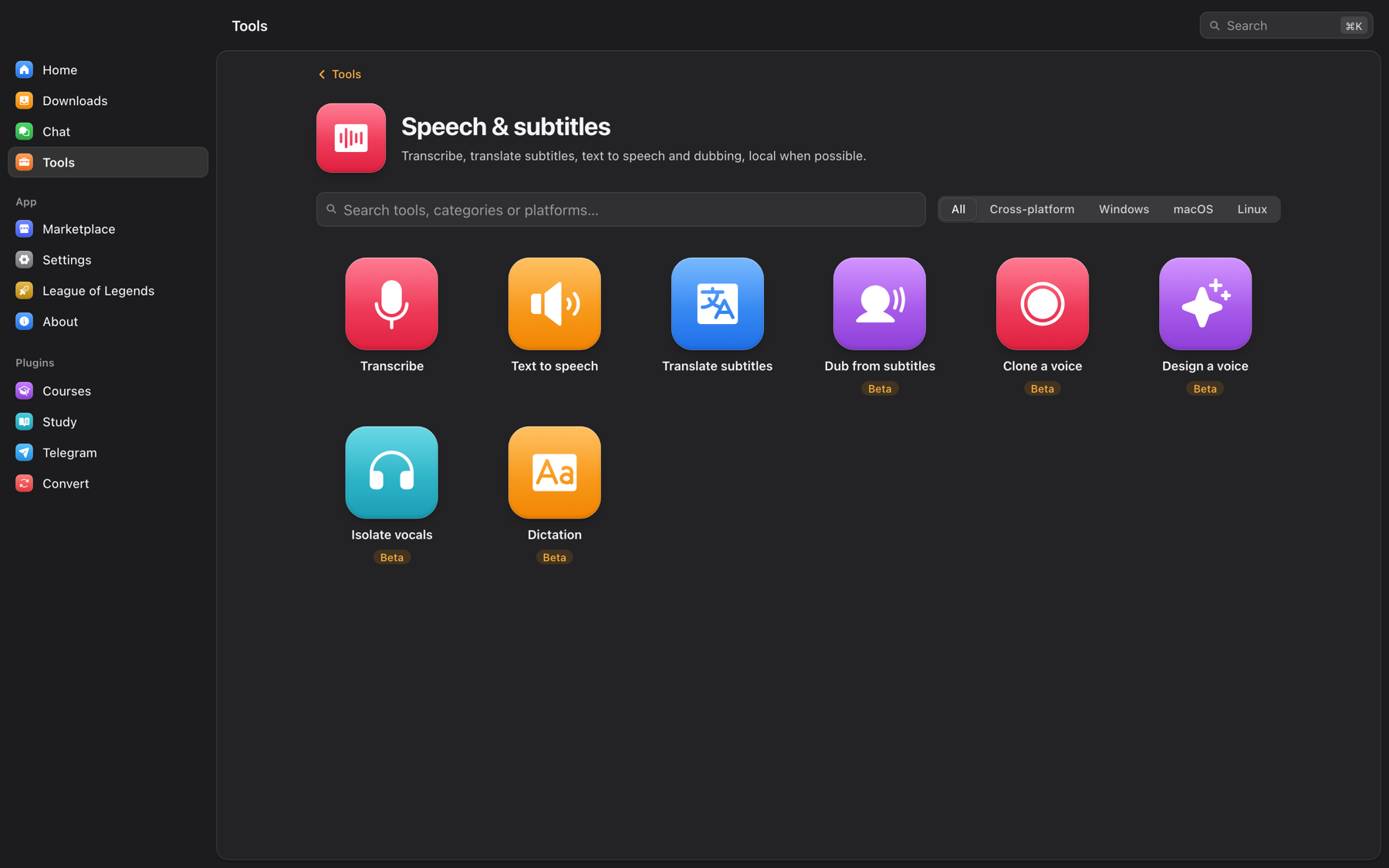 Speech & subtitles (8 tools)
Model Context Protocol (MCP) support
37 tools are exposed locally over MCP with token authentication. Ready for Claude Code, Claude Desktop, Cursor, and VS Code.
The folder you downloaded becomes something you finish.
Point Study at your course folders and nothing is copied or moved. The player resumes to the second, and N captures a note at the current timestamp.
Beside it: a reader for PDF, EPUB, DJVU, MOBI, AZW3, FB2, CBZ and CBR, a Markdown and LaTeX notes editor, Anki spaced repetition, Pomodoro timers, and a music library with synced lyrics.
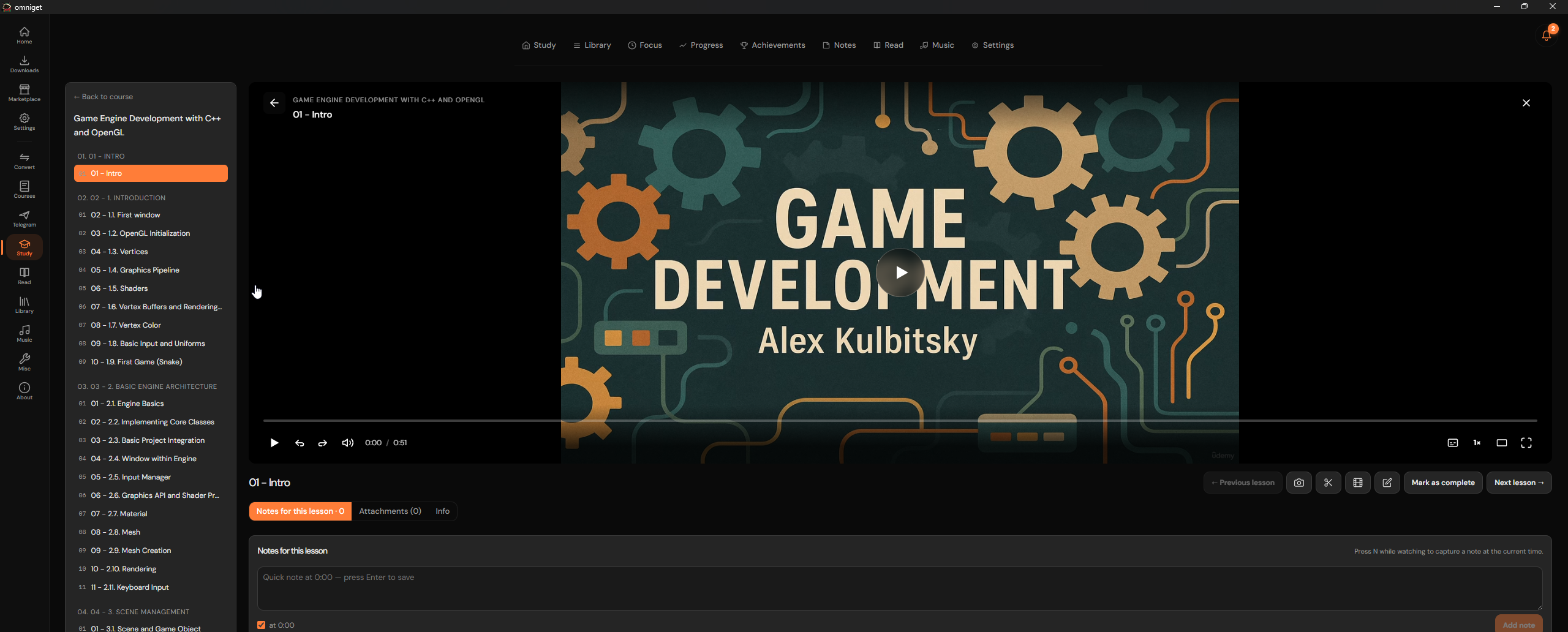 The player keeps your place, and N drops a note at the current time
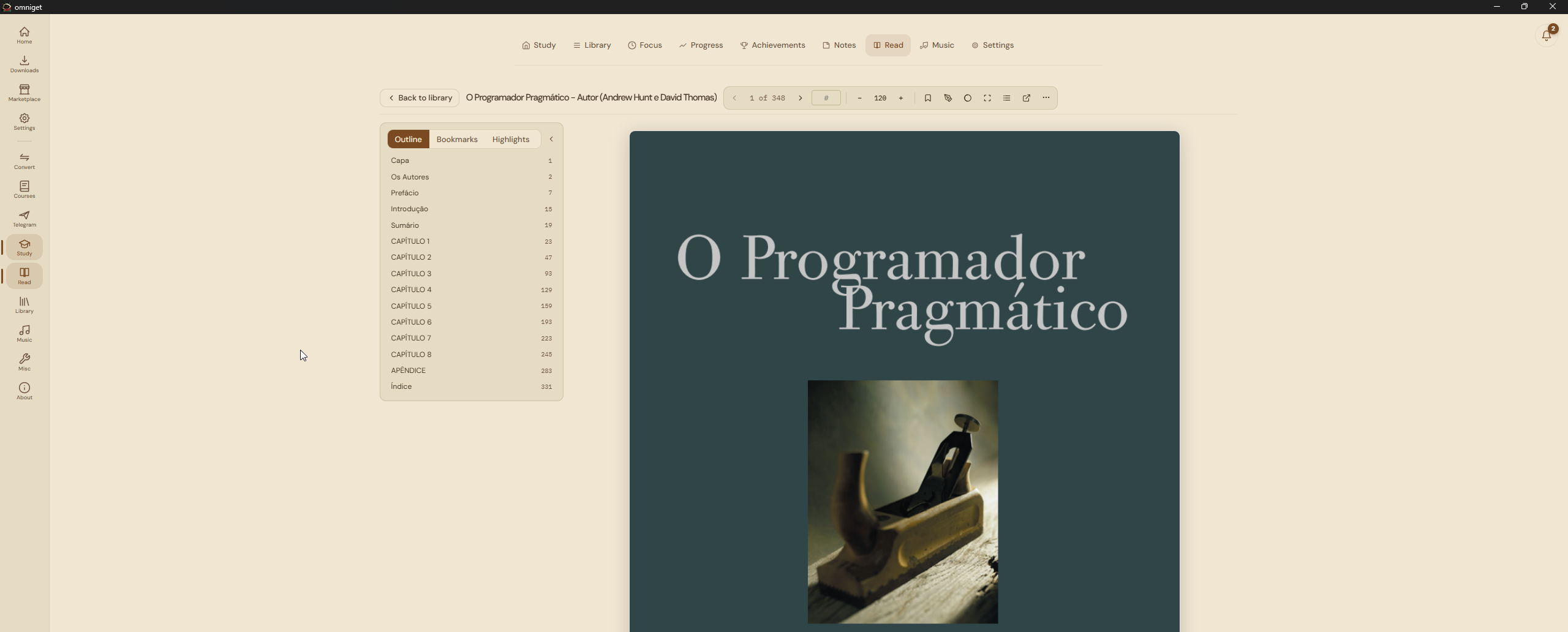 The reader, with outline, bookmarks and highlights beside the page
Courses
36 learning platforms, including Hotmart, Udemy, Kiwify, Rocketseat, Skool, Gumroad, Teachable, Thinkific, MasterClass and Pluralsight. DRM-protected lectures are reported and skipped.
Telegram
Sign in with a QR code or your phone number. Browse your channels and groups, filter by type, and save whole archives into organised folders.
Convert
FFmpeg conversions with GPU acceleration where the machine has it: container, codec, resolution and bitrate, with no internet required.
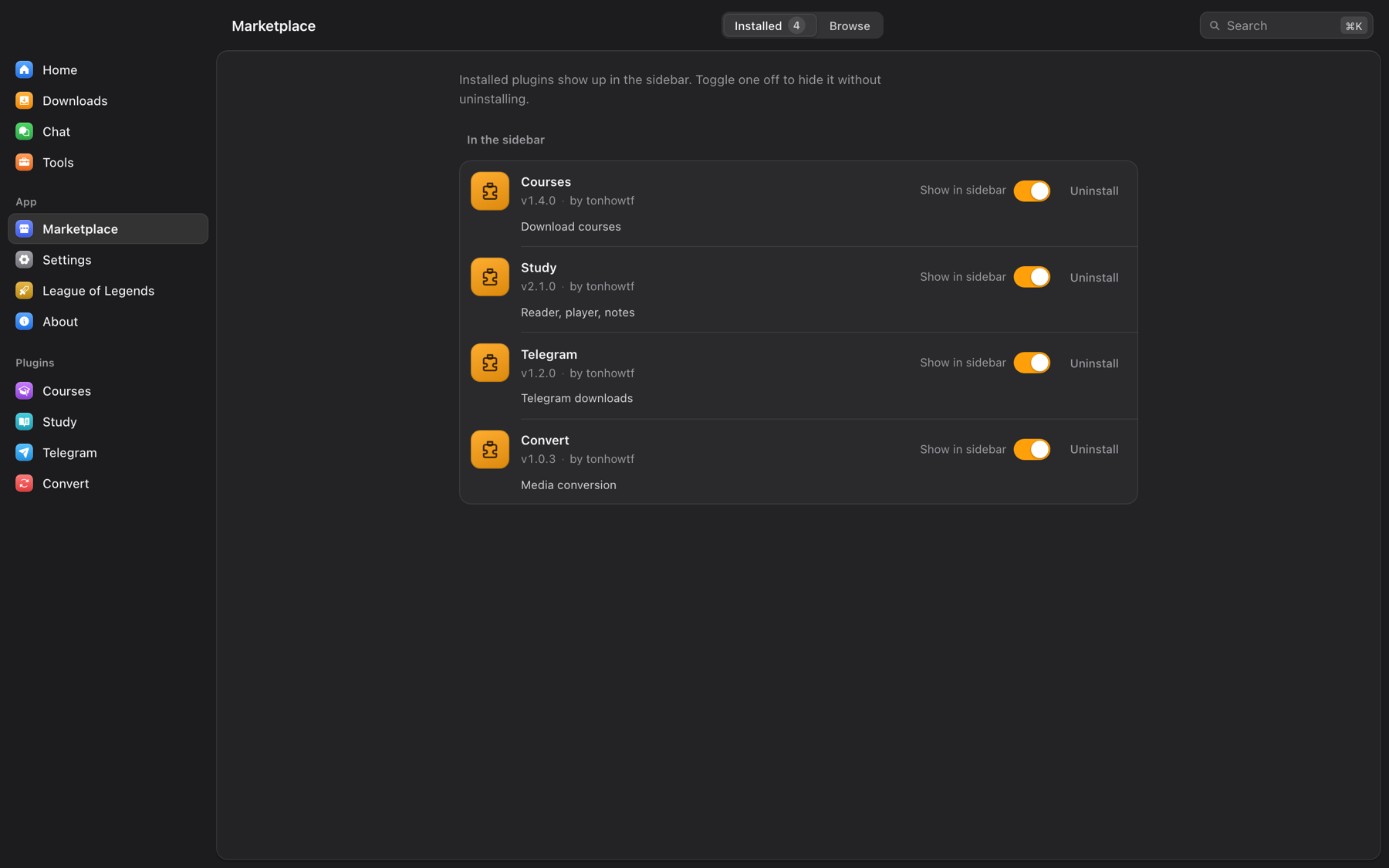 Plugins compile into the binary — no runtime download
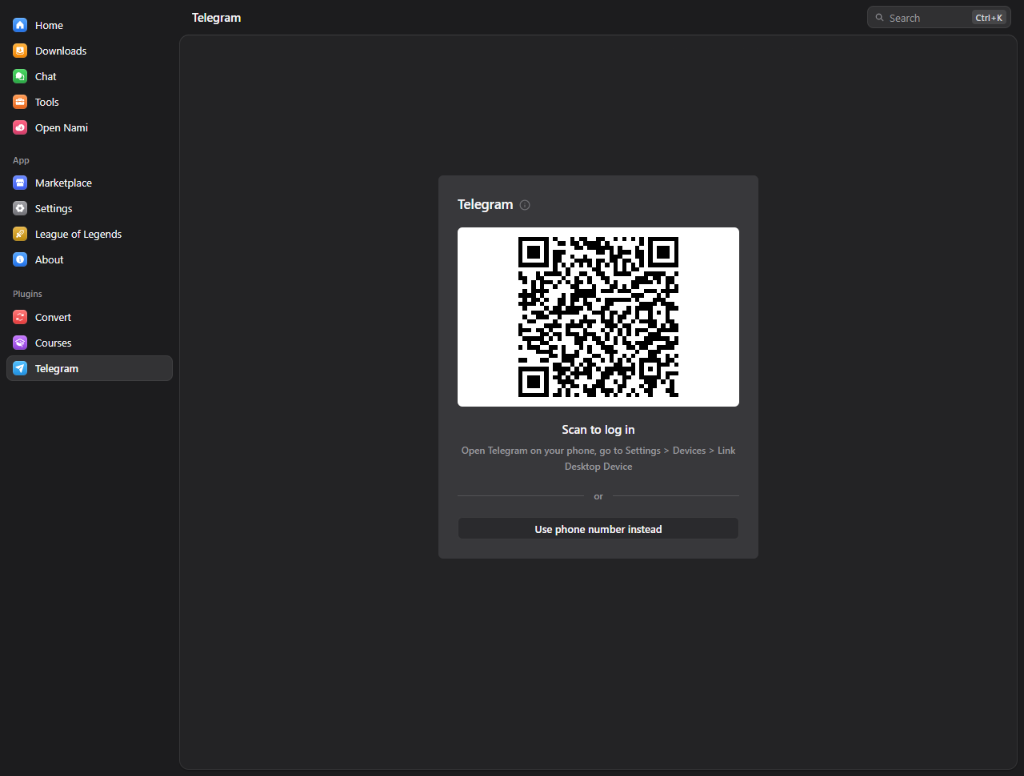 Telegram channels and groups, archived file by file
What you download stays on your computer.
Everything runs locally. There is no account, no server of ours in the middle, and no telemetry about what you download.
What OmniGet refuses to do
- It does not bypass DRM. Content marked with Widevine, FairPlay or PlayReady encryption is reported and skipped.
- It does not break paywalls or share credentials. It downloads what your own logged-in session can already open.
- It does not fingerprint you. Telemetry is opt-out and carries no URLs, device identifiers or IP addresses.
Free code signing on Windows is provided by SignPath.io, made possible by the SignPath Foundation.
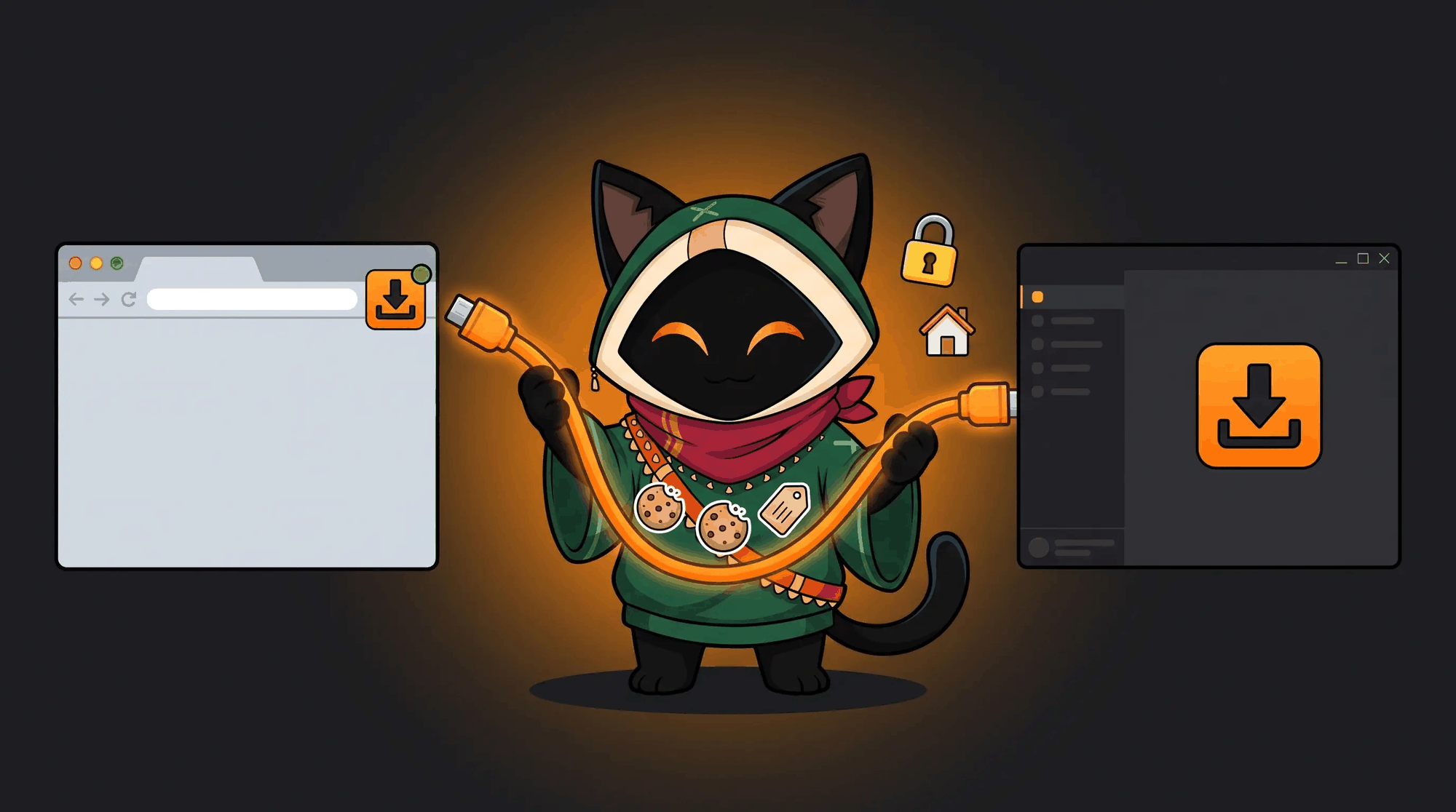
Built for every desktop
Official releases for Windows, macOS and Linux. Pick your platform, or install from the terminal.
Windows 10 / 11
winget install -e --id OpenSelena.OmniGetmacOS 10.15+
brew install --cask OpenSelena/tap/omnigetLinux (x86_64 / ARM64)
chmod +x OmniGet_*.AppImageQuestions people ask first.
Is OmniGet free?
Yes. GPL-3.0, no paid tier, no ads, no account. This repository is an independent fork, maintained under the same licence.
Is it a yt-dlp GUI?
Partly. yt-dlp handles the long tail of sites; OmniGet bundles it, verifies it and updates it. Native extractors cover courses, Instagram, X, Pinterest, Bilibili, Telegram and torrents, and the queue adds resume and retry.
Can it download a Udemy or Hotmart course I bought?
Yes. The Courses plugin is built in and covers 36 platforms. Sign in, pick the sections, and download: lessons and attachments land in a folder per course and appear in Study. DRM-protected lectures are skipped and reported.
Can it download Instagram stories, close friends or highlights?
Yes, using your own session captured by the browser extension. Stories are downloaded without being marked as seen.
Can it back up a Pinterest board in original quality?
Yes, including videos, sections, secret boards with cookies, and incremental sync so you only fetch what is new.
Does it resume interrupted downloads?
Yes. Partial files are kept and continued, and rate limits trigger retries with backoff.
Does it need Python, Node or a terminal?
No. Download the app, open it, paste a link. The only terminal step is the one-time macOS Gatekeeper fix, which the documentation covers.
macOS says the app is damaged.
That is Gatekeeper reacting to an unsigned, un-notarised build. The two commands in the installation documentation clear it, and it happens once.
Can it transcribe a video to subtitles offline?
Yes. Tools, then Speech and subtitles, then Transcribe. It uses whisper.cpp locally and models download on demand.
Can an AI agent use OmniGet?
Two ways. The MCP server under Tools → AI exposes 37 tools to Claude Code, Claude Desktop, Cursor, VS Code, Goose and Codex. Separately, this repository ships a Claude Code plugin.
Community contributors
Built by open source contributors.


Download OmniGet
One file, no account, GPL-3.0. Windows, macOS and Linux.