
36 Online Course Platforms Engine
Download purchased courses, modules, video lessons, and PDF attachments into local folders, then index them in the Study library.
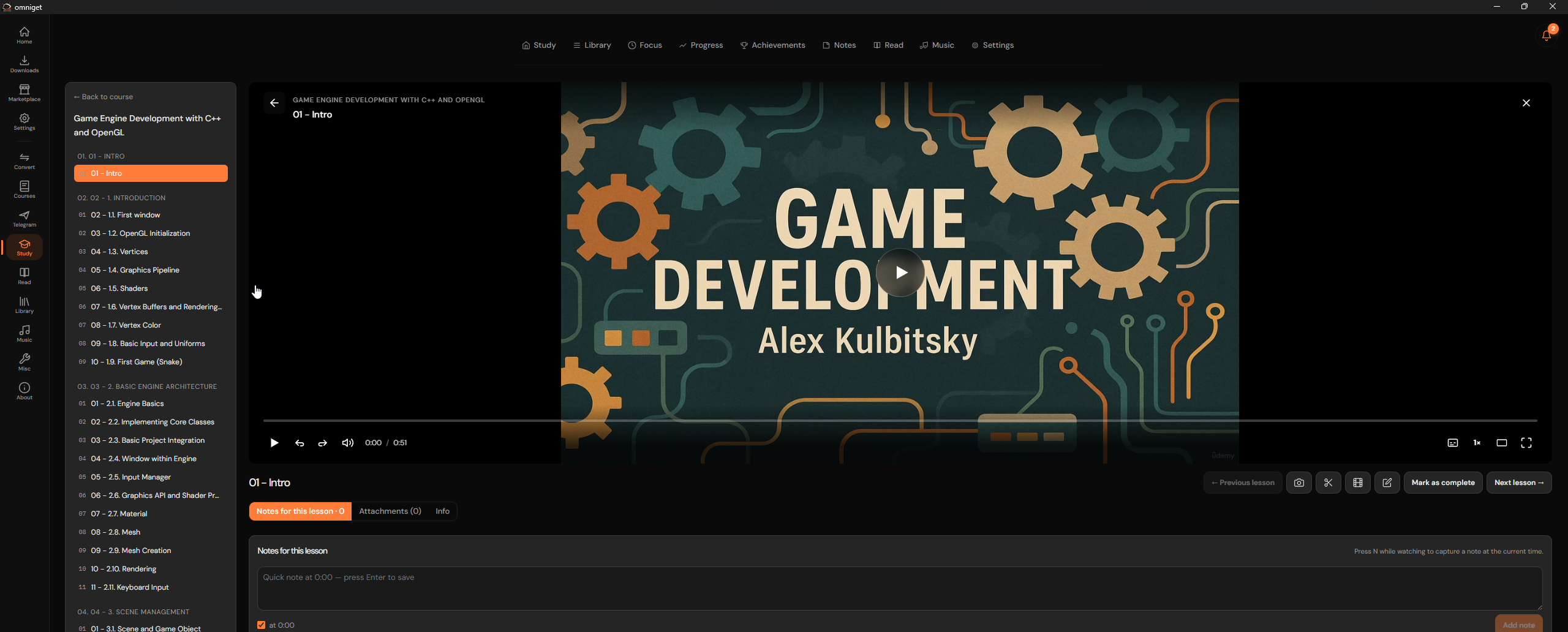
OmniGet includes a Courses Engine that downloads courses you have bought from 36 learning platforms. It keeps the course structure and lecture order, and downloads companion PDF and ZIP worksheets.
1. Embedded Courses Engine Architecture
Since version 0.10.5, the Courses engine is compiled into the desktop binary instead of running as an external script:
- Zero ABI Incompatibilities: No external python runtime or dynamic shared libraries required. The engine compiles directly into the Rust Tauri core.
- Curriculum Hierarchy Parser: Accurately reads modules, sections, lessons, video durations, and supplementary resources.
- Continuous Numbering: Automatically prepends numbered prefixes (e.g.
01 - Introduction/01 - Welcome.mp4) so offline players order files sequentially. - Study Synchronization: Completed course downloads are automatically cataloged into OmniGet's built-in Study library for offline tracking.
2. Supported 36 Course Platforms Directory
OmniGet's native Rust course engine embeds extractors and curriculum parsers for 36 learning platforms:
| Platform Category | Supported Providers | Authentication Method |
|---|---|---|
| Global & International | Udemy, Skool, Gumroad, MasterClass, Pluralsight, Teachable, Thinkific, The Great Courses (Wondrium) | Companion Extension or Saved Session Cookies |
| Tech & Data Science | Rocketseat, Data Science Academy | Session Token Sync / In-App Login |
| Creator & Membership Hubs | Hotmart (Hub & Club), Kiwify, MemberKit, Eduzz Nutror, Cademi, Cakto, Cakto Members, Kirvano, The Members, Greenn Club, Entrega Digital, Área de Membros, Astron Members, Alpaclass, Voomp Play, Curseduca | Companion Extension One-Click Session Forward |
| Concursos & Exam Prep | Estratégia Concursos, Estratégia LDI, Estratégia Militares, Gran Cursos Online | Session Cookie or Webview Login |
| Medical & Language Academies | Medcel, Medcof, Medway, Afya Internato, Fluency Academy | Extension Cookie Sync / Webview Auth |
3. Three Authentication Workflows
To download courses you own, OmniGet requires your active session token. Pick the method that matches your setup:
Method 1: Browser Extension
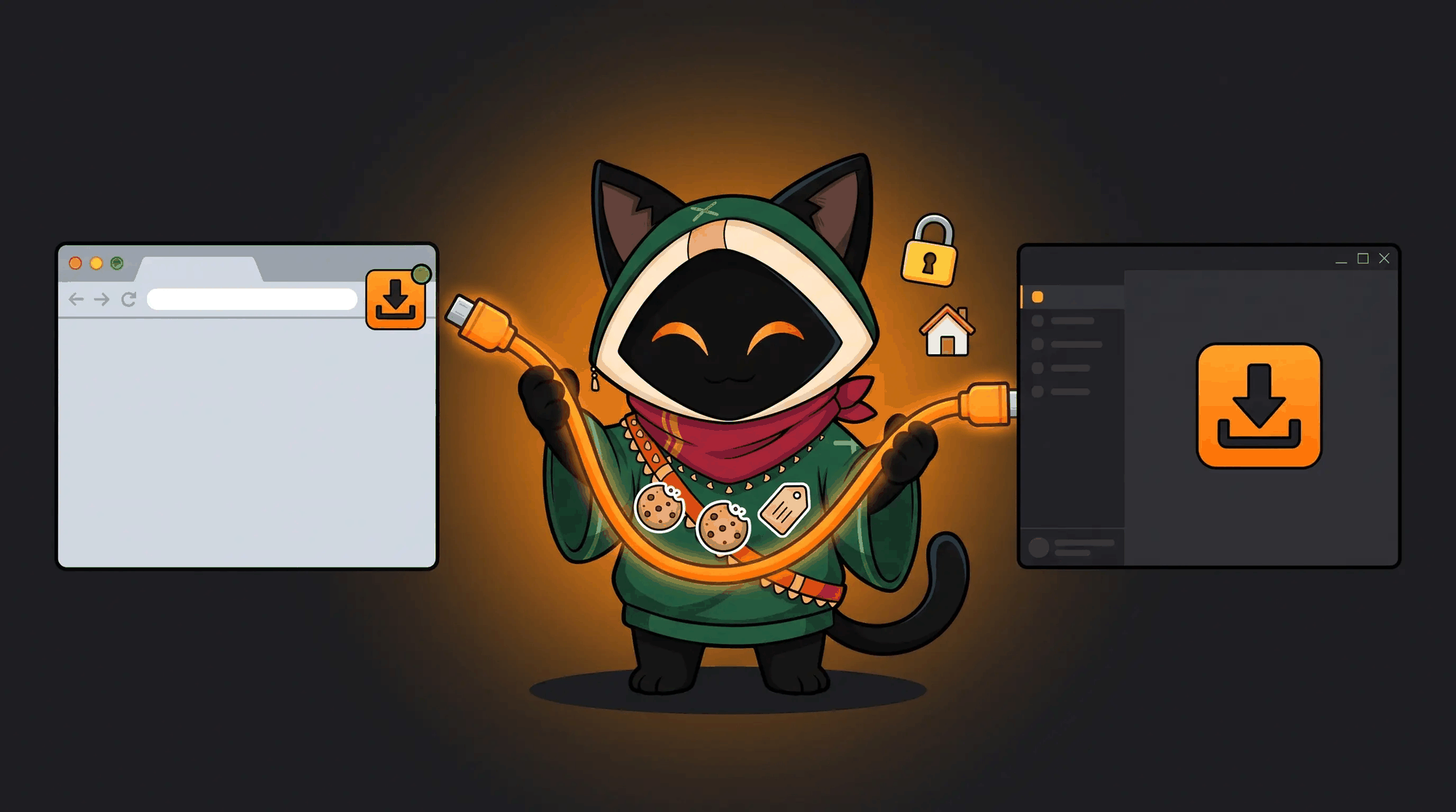
Install the OmniGet extension for Chrome, Edge, Brave, or Firefox. Click the extension icon on the course page to sync cookies over 127.0.0.1:47720.
Method 2: In-App Webview
Click Sign In inside OmniGet. An isolated browser window opens. Log in once and OmniGet captures the session cookies locally.
Method 3: cookies.txt Import
Export your session using standard Netscape format and import via Settings → Cookies → Import cookies.txt.
4. Curriculum Selection, Numbering & Attachments
Protected courses cannot be downloaded by pasting a raw URL into the main download input (which returns an authentication reminder). Instead, open the Courses workspace with your active account, select your enrolled course, and OmniGet parses the curriculum outline:
- Selective Module Downloading: Choose to download specific sections, modules, or the entire course curriculum.
- Supplementary Attachments: PDF slides, source code ZIP files, and exercises are automatically downloaded and organized alongside their corresponding video lectures.
- Subtitle Track Inclusion: Subtitle languages (English, Spanish, Portuguese, French, etc.) are downloaded as sidecar SRT/VTT files or embedded directly into the MP4 container.

5. DRM Compliance & Ethical Fair Use Boundary
OmniGet downloads courses you have purchased, for your own offline use. The files stay on your disk if your internet drops.